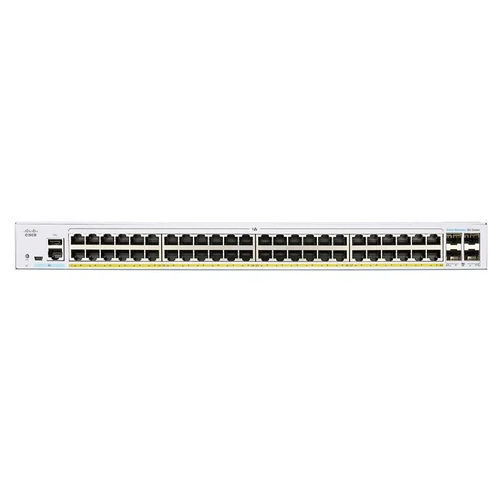
HPE Aruba J9781A Network Switch

HPE Aruba J9781A Network Switch

Price 28919 INR/ Unit

MOQ : 1 Unit

HPE Aruba J9781A Network Switch Specification

  • Equipment Type
  • Network Switch
  • Installation Guideline
  • Secure mounting brackets to the switch chassis, then install floating nuts to the cabinet's square hole bars
  • Color
  • Grey
  • Processing
  • connects network devices, such as computers and servers, to one another
  • Service Period
  • 5 Year
  • Usage
  • Connects devices in a network to each other, enabling them to talk by exchanging data packets
 

HPE Aruba J9781A Network Switch Trade Information

  • Minimum Order Quantity
  • 1 Unit
  • Payment Terms
  • Cash in Advance (CID)
  • Supply Ability
  • 10 Units Per Month
  • Delivery Time
  • 5-7 Days
  • Main Domestic Market
  • All India
 

About HPE Aruba J9781A Network Switch


The HPE Aruba J9781A Network Switch is a powerful tool for connecting network devices such as computers and servers to one another. This grey-colored switch comes with a 5-year service period and is perfect for use in a variety of settings, including businesses, homes, and schools. The switch is easy to install and comes with secure mounting brackets to the switch chassis, making it a breeze to set up. Once installed, the switch enables devices in a network to communicate with each other by exchanging data packets. This makes it an essential tool for anyone looking to create or maintain a network of devices.

FAQs of HPE Aruba J9781A Network Switch:


Q: What is the HPE Aruba J9781A Network Switch used for?

A: The HPE Aruba J9781A Network Switch is used for connecting network devices such as computers and servers to one another.

Q: What color is the HPE Aruba J9781A Network Switch?

A: The HPE Aruba J9781A Network Switch is grey in color.

Q: What is the equipment type of the HPE Aruba J9781A Network Switch?

A: The HPE Aruba J9781A Network Switch is a type of network switch.

Q: How long is the service period for the HPE Aruba J9781A Network Switch?

A: The HPE Aruba J9781A Network Switch comes with a 5-year service period.

Q: How do I install the HPE Aruba J9781A Network Switch?

A: To install the HPE Aruba J9781A Network Switch, simply secure mounting brackets to the switch chassis, then install floating nuts to the cabinets square hole bars.

Tell us about your requirement
product

Price:

Quantity
Select Unit

  • 50
  • 100
  • 200
  • 250
  • 500
  • 1000+
Additional detail
Mobile number

Email

More Products in HP Networking Switch Category

Cisco CBS350-48P-4G-IN Network Switch

Cisco CBS350-48P-4G-IN Network Switch

Price 72500 INR / Unit

Minimum Order Quantity : 1 Unit

Installation Guideline : Secure mounting brackets to the switch chassis, then install floating nuts to the cabinet's square hole bars

Color : White

Equipment Type : Network Switch

Usage : Connects devices in a network to each other, enabling them to talk by exchanging data packets
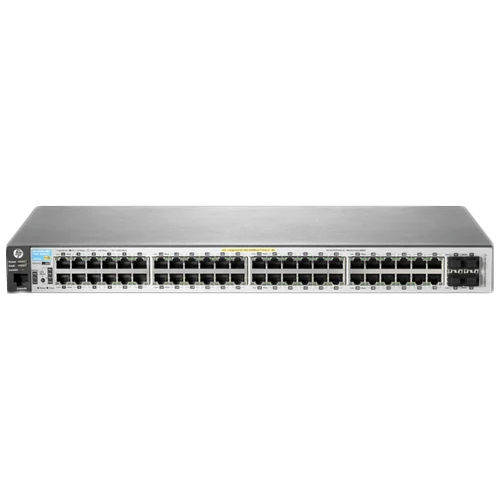
HP J9772A Network Switch

HP J9772A Network Switch

Price 71550 INR / Unit

Minimum Order Quantity : 1 Unit

Installation Guideline : Secure mounting brackets to the switch chassis, then install floating nuts to the cabinet's square hole bars

Color : Grey

Equipment Type : Network Switch

Usage : Connects devices in a network to each other, enabling them to talk by exchanging data packets
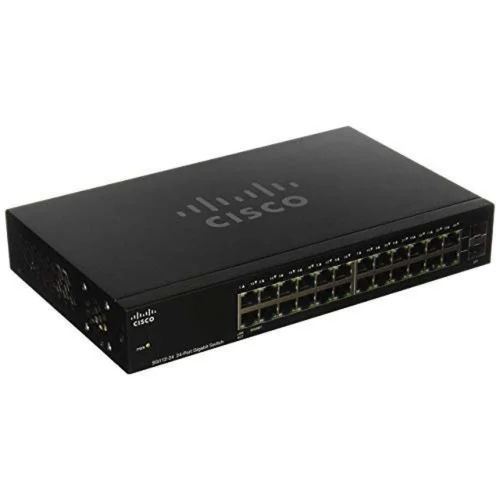
Cisco HP Networking Switch

Cisco HP Networking Switch

Price 26500 INR / Unit

Minimum Order Quantity : 1 Unit

Installation Guideline : Secure mounting brackets to the switch chassis, then install floating nuts to the cabinet's square hole bars

Color : Black

Equipment Type : Network Switch

Usage : Connects devices in a network to each other, enabling them to talk by exchanging data packets
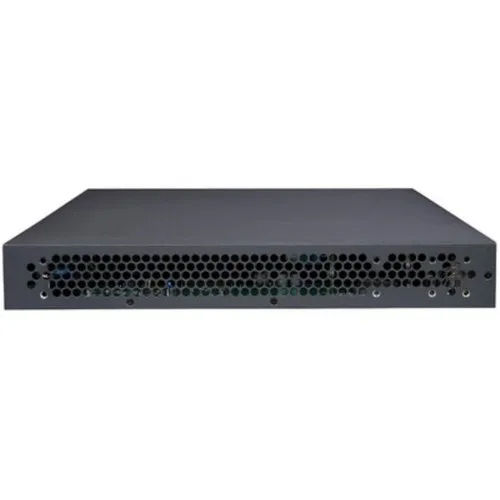
JL382A HPE 1920S 48G 4SFP Switch

JL382A HPE 1920S 48G 4SFP Switch

Price 25300 INR / Unit

Minimum Order Quantity : 1 Unit

Installation Guideline : Secure mounting brackets to the switch chassis, then install floating nuts to the cabinet's square hole bars

Color : Grey

Equipment Type : Network Switch

Usage : Connects devices in a network to each other, enabling them to talk by exchanging data packets


Back to top