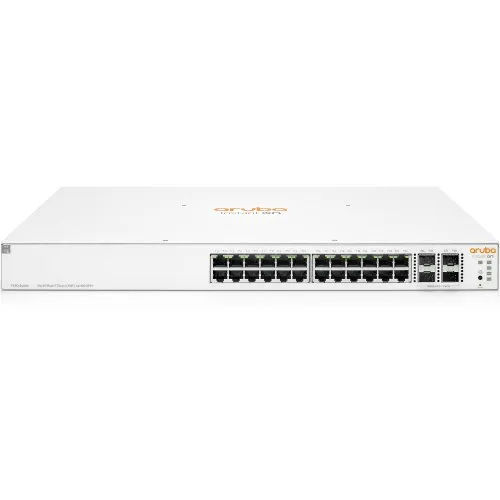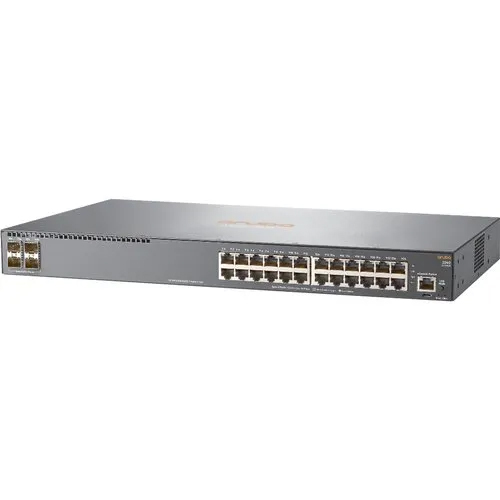
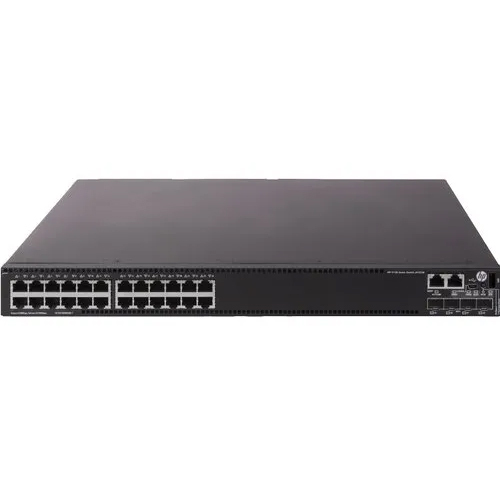
HPE Aruba Instant On JL682A-1930 24G 4SFP- Switch

HPE Aruba Instant On JL682A-1930 24G 4SFP- Switch

Price 25000 INR/ Unit

MOQ : 1 Unit

HPE Aruba Instant On JL682A-1930 24G 4SFP- Switch Specification

  • Equipment Type
  • Network Switch
  • Color
  • White
  • Usage
  • Connects devices in a network to each other, enabling them to talk by exchanging data packets
  • Installation Guideline
  • Secure mounting brackets to the switch chassis, then install floating nuts to the cabinet's square hole bars
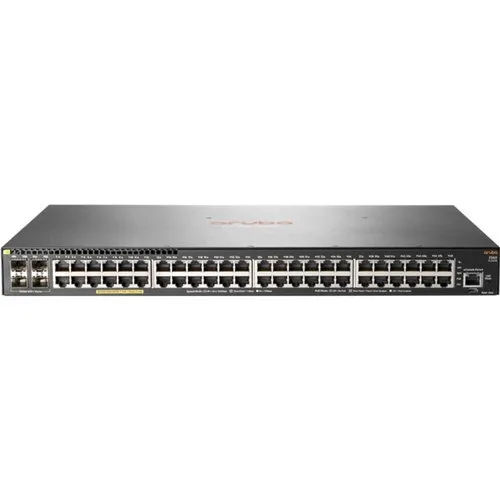
  • Processing
  • connects network devices, such as computers and servers, to one another
  • Service Period
  • 5 Year
 

HPE Aruba Instant On JL682A-1930 24G 4SFP- Switch Trade Information

  • Minimum Order Quantity
  • 1 Unit
  • Payment Terms
  • Cash in Advance (CID)
  • Supply Ability
  • 10 Units Per Month
  • Delivery Time
  • 5-7 Days
  • Main Domestic Market
  • All India
 

About HPE Aruba Instant On JL682A-1930 24G 4SFP- Switch


The HPE Aruba Instant On JL682A-1930 24G 4SFP-Switch is a high-performance network switch that connects devices in a network to each other, enabling them to talk by exchanging data packets. It is designed to connect network devices, such as computers and servers, to one another, and is ideal for small to medium-sized businesses. The switch is easy to install with secure mounting brackets to the switch chassis, and then the floating nuts can be installed to the cabinets square hole bars. The switch is designed in white color and comes with a 5-year service period.

FAQs of HPE Aruba Instant On JL682A-1930 24G 4SFP- Switch:


Q: What is the HPE Aruba Instant On JL682A-1930 24G 4SFP-Switch?

A: The HPE Aruba Instant On JL682A-1930 24G 4SFP-Switch is a network switch that connects devices in a network to each other, enabling them to talk by exchanging data packets.

Q: What is the color of the switch?

A: The switch is designed in white color.

Q: What is the service period of the switch?

A: The switch comes with a 5-year service period.

Q: What is the equipment type of the switch?

A: The equipment type of the switch is a Network Switch.

Q: What is the usage of the switch?

A: The switch is used to connect network devices, such as computers and servers, to one another.

Tell us about your requirement
product

Price:  

Quantity
Select Unit

  • 50
  • 100
  • 200
  • 250
  • 500
  • 1000+
Additional detail
Mobile number

Email

More Products in HP Networking Switch Category

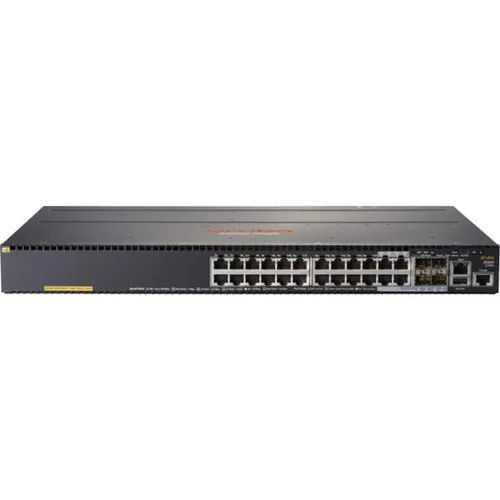
JG539A-HPE 1910-24-PoE 180W Switch

JG539A-HPE 1910-24-PoE 180W Switch

Price 23500 INR / Unit

Minimum Order Quantity : 1 Unit

Service Period : 5 Year

Usage : Connects devices in a network to each other, enabling them to talk by exchanging data packets

Installation Guideline : Secure mounting brackets to the switch chassis, then install floating nuts to the cabinet's square hole bars
Equipment Type : Network Switch

JL809A Aruba Instant On 1960 48G 40p Class4 8p Class6 PoE 2XGT 2SFP-600W Switch

JL809A Aruba Instant On 1960 48G 40p Class4 8p Class6 PoE 2XGT 2SFP-600W Switch

Price 112436 INR / Unit

Minimum Order Quantity : 1 Unit

Service Period : 5–10 Years

Usage : Connects devices in a network to each other, enabling them to talk by exchanging data packets

Installation Guideline : Secure mounting brackets to the switch chassis, then install floating nuts to the cabinet's square hole bars
Equipment Type : Network Switch

JG933A-HPE 5130 24G SFP 4SFP EI Switch

JG933A-HPE 5130 24G SFP 4SFP EI Switch

Price 300.0 INR / Unit

Minimum Order Quantity : 1 Unit

Service Period : 5 Year

Usage : Connects devices in a network to each other, enabling them to talk by exchanging data packets

Installation Guideline : Secure mounting brackets to the switch chassis, then install floating nuts to the cabinet's square hole bars

Equipment Type : Network Switch

HP J9774A Network Switch

HP J9774A Network Switch

Price 17325 INR / Unit

Minimum Order Quantity : 1 Unit

Service Period : 5 Year

Usage : Connects devices in a network to each other, enabling them to talk by exchanging data packets

Installation Guideline : Secure mounting brackets to the switch chassis, then install floating nuts to the cabinet's square hole bars

Equipment Type : Network Switch


Back to top